


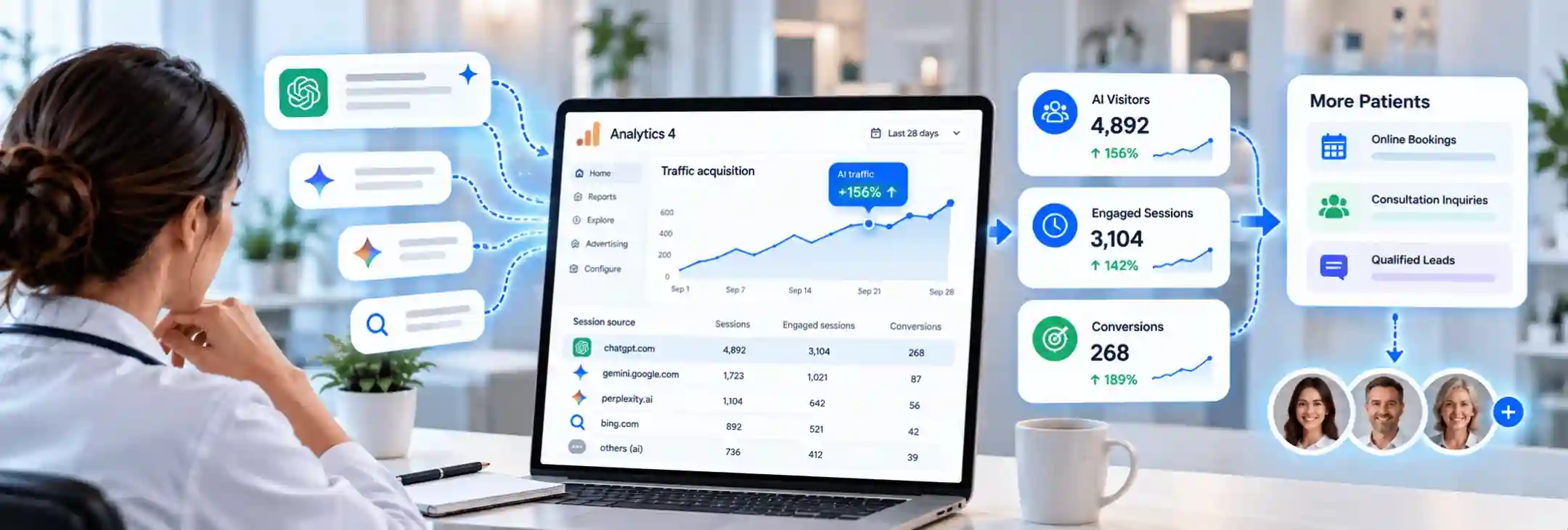

A practice manager in Austin pays for AI search work and then opens Google Analytics, only to find ChatGPT barely mentioned. Those visits usually exist, but they sit inside Referral, Direct or Unassigned. Practices that track AI traffic in GA4 with the right setup can see which assistants send visitors and which of those visitors go on to request appointments.
Quick Answer on Measuring AI Visits in Google Analytics
A custom channel group with one AI channel gathers visits from chatgpt.com, perplexity.ai, gemini.google.com and similar sources into a single row. Key events on booking actions then show which of those visitors become patients.
Clicks from Google AI Overviews follow a different path. Those visits still appear as organic Google traffic, so Search Console has to fill that gap.
Key Takeaways
- A custom channel group pulls every AI source into one row and works on past data too.
- Clicks on booking buttons, call taps and form submissions need to count as key events before AI visits show real value.
- Google does not sign a privacy agreement for Analytics, so patient details must stay out of every report.
Why AI Referral Traffic Hides in Your Reports
GA4 sorts every visit into a channel by reading its source and medium. AI tools send visitors in ways that older channel rules never expected, so many of those visits land in the wrong row.
- Older data sits in Referral. GA4 introduced its AI Assistant channel in mid 2026, and the channel only classifies visits from that point forward. Earlier ChatGPT referral traffic stays mixed with links from directories and local news sites.
- Some AI tools fall outside the default list. Google's published examples for that channel name ChatGPT, Gemini, Copilot, Grok and DeepSeek. Visits from Perplexity and Claude often still land in Referral.
- Lost referrers turn visits into Direct traffic. Patients who copy a link from an AI answer or tap it inside a phone app often arrive with no referrer at all. GA4 then files the visit as Direct, with no trace of the AI tool behind it.
- Partial tags create Unassigned visits. OpenAI confirms that ChatGPT adds utm_source=chatgpt.com to links in its search answers. A source tag without a medium can leave a visit in Unassigned when no channel rule matches.
Also Read: How to Test if ChatGPT, Gemini and Claude Even Know Your Practice Exists
How to Build an AI Channel Group in GA4
A GA4 custom channel group copies the default channels and lets an admin add new ones. Standard properties allow two custom groups with up to 50 channels each, and the setup needs Editor access or higher.
Google applies a new group to past data in standard reports as well. That one feature closes the history gap that the default AI Assistant channel leaves behind.
Regex Rules That Capture Every AI Source
Step 1. A New Group From the Admin Panel
The channel group settings sit under Admin and then Data display. The Create new channel group button opens a copy of the default channels, ready for edits.
Step 2. An AI Channel With One Regex Condition
The new channel, named AI Search here, needs only one condition. That condition uses Source with the matches regex option and the pattern below.
.*(chatgpt|openai|perplexity|gemini\.google|claude\.ai|copilot|deepseek|grok|meta\.ai|you\.com).*
GA4 reads every pattern as a full match and treats letters as case sensitive. The dot and asterisk at each end let the pattern catch values such as chat.openai.com or www.perplexity.ai.
New AI tools launch every few months, so a quarterly look at the Referral channel shows any assistant the pattern still misses.
Channel Order and Why It Matters
Step 1. The AI Channel Above Referral
GA4 assigns each visit to the first channel whose rules it matches. An AI channel placed below Referral never receives a single visit, because Referral claims those sessions first.
Step 2. A New Order Locked In With Apply
The Reorder option moves the AI channel above Referral, and the Apply button locks the new order.
Testing the Report Before Trusting It
Step 1. A Test Visit From ChatGPT
A team member can ask ChatGPT about the practice in a private browser window and click the website link in the answer. The Realtime report then shows chatgpt.com as a first user source within a few minutes.
Step 2. The New Row in Traffic Acquisition
The Traffic acquisition report lists the default channels at first. A small dropdown above the table switches the main dimension to the new custom group, and the AI Search row appears.
Step 3. A Look Back at Past Months
A date range from last year often reveals AI visits that the default channel never counted. That history gives the practice an honest baseline before new AEO work begins.
Where Each AI Tool Lands in GA4
The table below compares where common AI sources land before and after the change.
Tracking AI Visitors Who Book Appointments
Visits alone do not prove that AI search brings patients. GA4 key events connect each AI visit to an action that matters to the front desk.
- Clicks on the main booking button. A click on the Book Now button shows strong intent, even when the scheduler runs on another domain.
- Taps on the phone number. Most patients on phones still call, and a tap on the number link records that intent.
- General contact form submissions. A generate_lead event fires when the form sends, without passing any typed details.
Each action becomes a key event once an admin switches on the Mark as key event toggle in the Events list. The Traffic acquisition report then shows key events beside every channel, including AI Search.
Appointment requests from AI visitors start small for most practices. A steady rise over three to six months says more than any single week.
Rankingeek sets up AI channel groups and booking events for US practices as part of a free review.
Keeping Patient Data Out of GA4
Google states that it does not sign a business associate agreement for Analytics. Practices covered by HIPAA must keep protected health information out of every tag, event and URL.
Federal guidance also names appointment scheduling pages, symptom checkers and patient portal logins as places where trackers can capture health details. Many practices track the booking button click on a public page and leave the scheduler itself untagged.
Event names should describe the action and never the condition. A name like book_click works, while a name such as knee_surgery_booking reveals health details. A privacy lawyer should review the full setup before launch.
What GA4 Cannot Show You
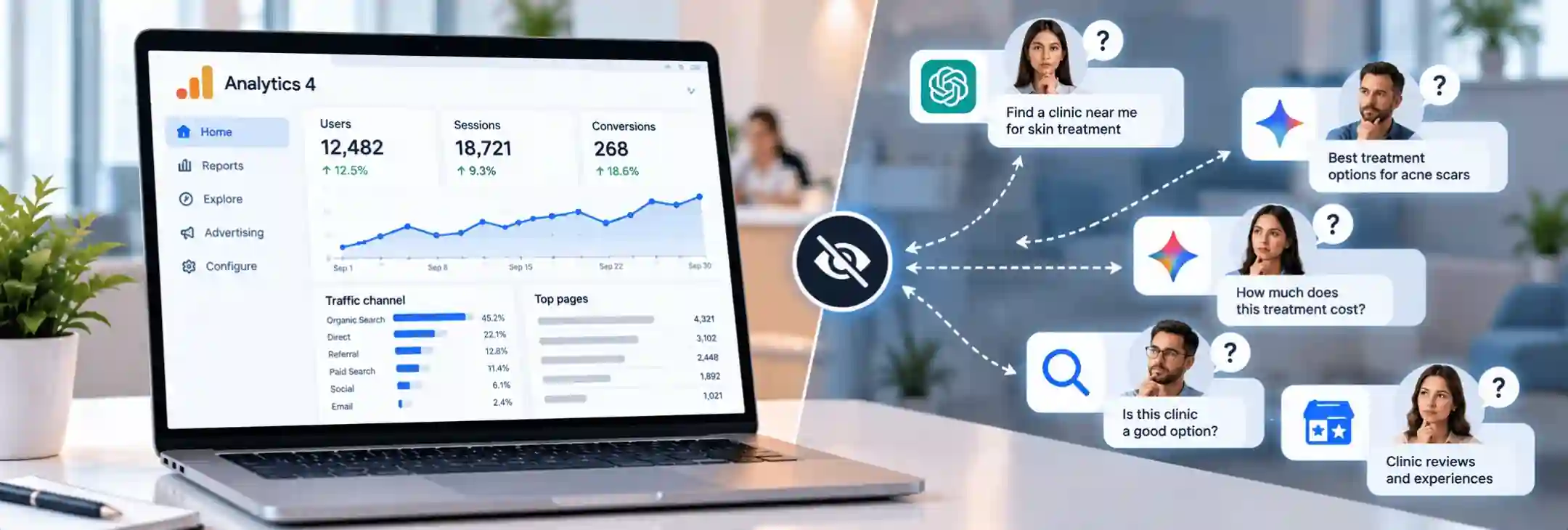
GA4 only sees visits that reach the website. Several parts of AI search happen before that click, or without one.
- Google AI Overviews and AI Mode visits count as Organic Search, and GA4 cannot split them out. Search Console includes them in its Performance report, mixed with regular results.
- Mentions without a click never reach GA4. A patient may read the practice name in a ChatGPT answer and call later from memory.
- Patient prompts stay inside each AI tool, so GA4 never shows what a patient asked.
- App visits with no referrer still drop into Direct, so the AI channel shows a floor rather than a total.
Two simple habits fill most of these gaps. Google Search Console shows brand name searches over time, and a rise often follows stronger AI visibility. A short question on the intake form about how each patient found the practice adds an answer that no tag can match.
Also Read: The ROI of Transparency and How to Track Where Every Marketing Dollar Goes
Turning AI Traffic Data Into Next Steps
Data only matters when it changes a decision. A monthly look at the AI channel answers three practical questions for a practice.
- The pages AI tools send patients to:The landing page report, filtered to AI Search, shows the service pages that earn citations. Those pages deserve fresh detail and clear booking options.
- The assistant that sends the best visitors: Engagement rate and key events by source show whether ChatGPT or Perplexity brings more serious patients.
- The return on AI search work: Appointment requests from the AI channel, set against monthly AEO spend, give a fair cost per patient lead.
The trend line, not the raw total, shows whether the work moves in the right direction. That data turns AEO from a guess into a measured part of patient acquisition.
Final Thoughts on Measuring AI Search Traffic for Your Practice
AI assistants now send real patients to US practices, but default GA4 reports hide much of that flow. A custom channel group, a few booking events and a clean privacy setup turn scattered visits into clear proof.
Rankingeek provides AEO GEO services for healthcare practices across the US, and every program includes AI channel tracking from the first month. Our team builds the GA4 setup, reviews it for privacy risks and reports AI visits next to booking actions. Practice owners can then track AI traffic in GA4 with confidence and see which assistants bring new patients.
Frequently Asked Questions About Tracking AI Traffic
Does ChatGPT Traffic Show Up in Google Analytics?
ChatGPT visits do show up in Google Analytics, usually with chatgpt.com as the source. Newer data may sit in the AI Assistant channel, while older visits often appear under Referral or Direct. A custom channel group gathers all of them in one place.
Can I Track Google AI Overviews Clicks Separately?
GA4 cannot separate AI Overviews visits from regular Google search visits, since both arrive as organic Google traffic. Search Console counts AI Overviews data inside its Performance report, but it does not break those clicks out either.
Is GA4 HIPAA Compliant for Clinics?
Google makes no claim that Analytics meets HIPAA requirements. The company also declines to sign the vendor agreements that covered practices need. Practices may use it only on pages and events that carry no protected health information.
Does the Default AI Assistant Channel Replace a Custom Group?
The default channel helps, but it only counts visits from its 2026 launch onward. It also leaves out some tools, such as Perplexity. A custom group covers both gaps and applies to past data.